Getting Started
Installation
Get ConvoFlow up and running on your local machine or production environment.
Prerequisites
Before installing ConvoFlow, ensure you have the following installed:
- Docker Desktop (for Docker setup) or
- Node.js >= 18.0.0 and Python >= 3.10 (for local development)
- PostgreSQL (included in Docker setup, or install separately for local development)
- Git for cloning the repository
Docker Installation (Recommended)
The easiest way to get started with ConvoFlow is using Docker Compose. This method sets up all services automatically.
bash
# 1. Clone the repository
git clone <repository-url>
cd convoflow-v2

# 2. Create .env file
# Copy the example .env file and configure it
cp .env.example .env

# 3. Start the application
docker-compose up --build
Environment Variables
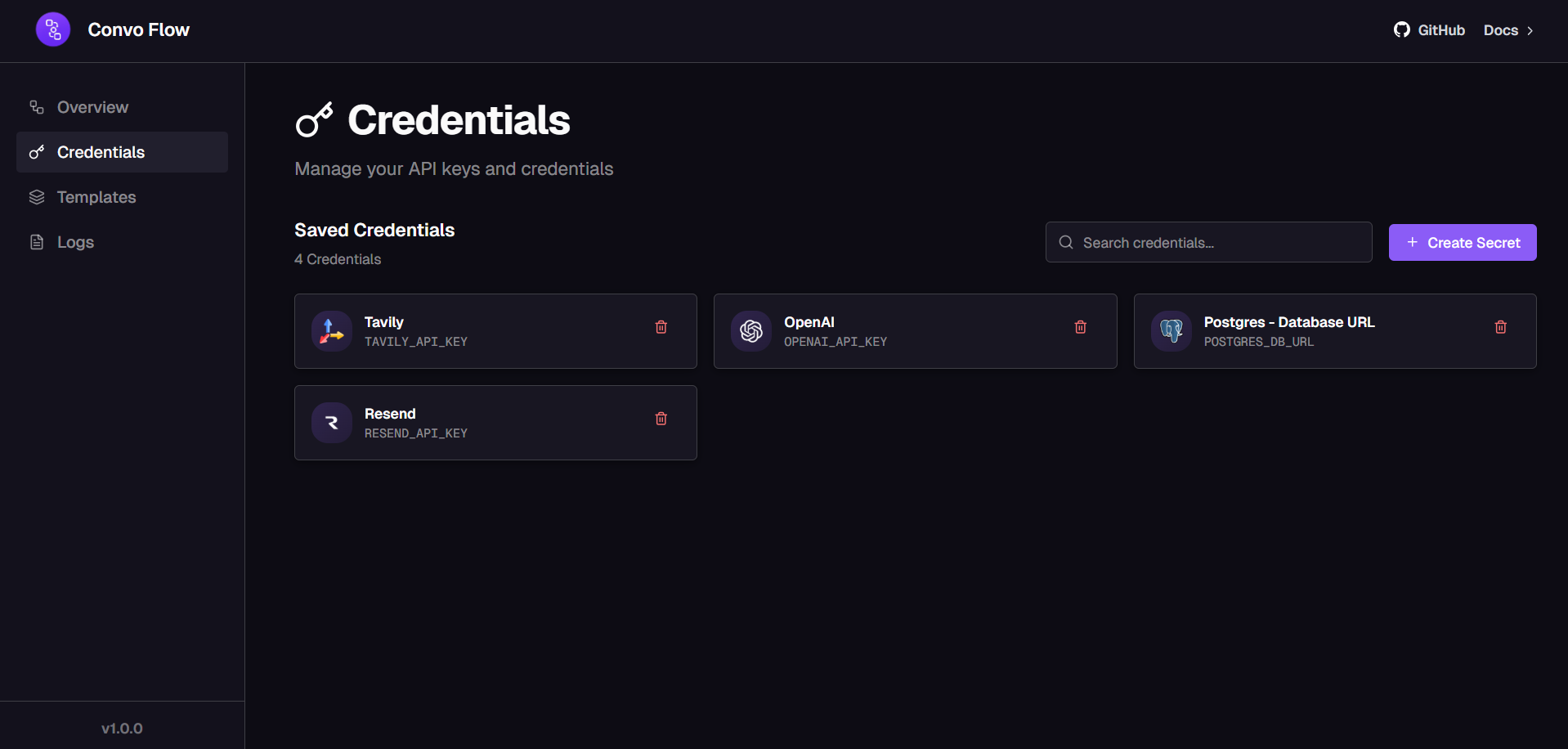
Create a .env file in the root directory. You can also configure credentials through the UI:
bash
# Database (PostgreSQL included in Docker)
POSTGRES_PASSWORD=your-secure-password

# API Keys (configure via UI or here)
OPENAI_API_KEY=sk-your-key-here
GROQ_API_KEY=your-groq-key
ANTHROPIC_API_KEY=your-anthropic-key

# Add other API keys as needed
Local Development Setup
For local development, you'll need to set up both the backend and frontend separately.
Step 1: Install Dependencies
bash
# Install all dependencies (frontend + backend)
npm run install:all

# Or install separately:
# Frontend
cd frontend && npm install

# Backend
cd backend && pip install -r requirements.txt
Step 2: Set Up Database
Make sure PostgreSQL is running and create a database:
bash
# Create database
createdb convoflow

# Or using psql
psql -U postgres
CREATE DATABASE convoflow;
Step 3: Configure Environment
Create a .env file in the root:
bash
POSTGRES_DB_URL_BASE=postgresql://convoflow:password@localhost:5432/convoflow
OPENAI_API_KEY=sk-your-key-here
GROQ_API_KEY=your-groq-key
Step 4: Start Development Servers
bash
# Start both backend and frontend
npm run dev

# Or start separately:
# Backend (port 8000)
npm run dev:backend

# Frontend (port 3000)
npm run dev:frontend
Access the Application
Once the servers are running, access the application:
- Frontend: http://localhost:3000
- Backend API: http://localhost:8000
- API Documentation: http://localhost:8000/docs
Next Steps
After installation, check out:
Was this page helpful?